Palworld Server Hosting
Palworld server hosting at HostValues starts at €11.20 per month, VAT included, and is cancellable monthly. A Palworld server holds up to 32 players by default, and Pocketpair uses 16 GB of RAM as the starting point for version 1.0. Your server is set up automatically after payment and runs on NVMe storage.
From €11.20 per monthincl. VAT, cancel monthly

New to HostValues?
Use code WELKOM10 for 10% off your first order (once per customer).
Choose your Palworld plan
All plans can be cancelled monthly and are delivered right after payment. Pay yearly and get 15% off.
Server locations:
 NL
NL
 FR
FR
 US
US
 CA
CA
 SG
SG
NL
FR
US
CA
SG
All prices include VAT. Cancel monthly, 15% off when you pay yearly.

Lamball
€11.20
per month
- 8GB RAM
- 78GB NVMe storage
- ✔ DDoS protection
- Starter for friends
- ✔ Online instantly

Chikipi
€16.80
per month
- 12GB RAM
- 117GB NVMe storage
- ✔ DDoS protection
- Small communities
- ✔ Online instantly
Recommended 
Depresso
€22.40
per month
- 16GB RAM
- 156GB NVMe storage
- ✔ DDoS protection
- For many Pals and bases
- ✔ Online instantly

Anubis
€28.00
per month
- 20GB RAM
- 195GB NVMe storage
- ✔ DDoS protection
- Serious servers
- ✔ Online instantly

Jetragon
€44.80
per month
- 32GB RAM
- 312GB NVMe storage
- ✔ DDoS protection
- Large worlds
- ✔ Online instantly
Instant setup
Ready to play within minutes
Cancel monthly
No contract, no obligations
Backups included
2 backup slots per server
DDoS protection
Included on all servers
This is what your world looks like
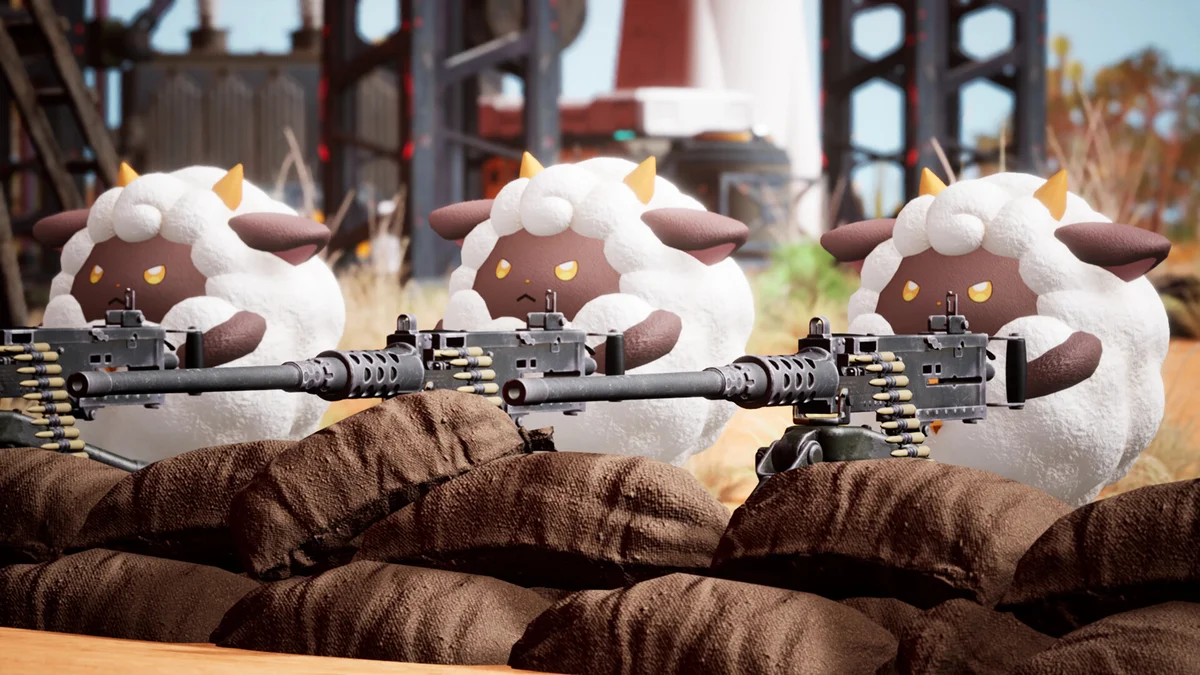
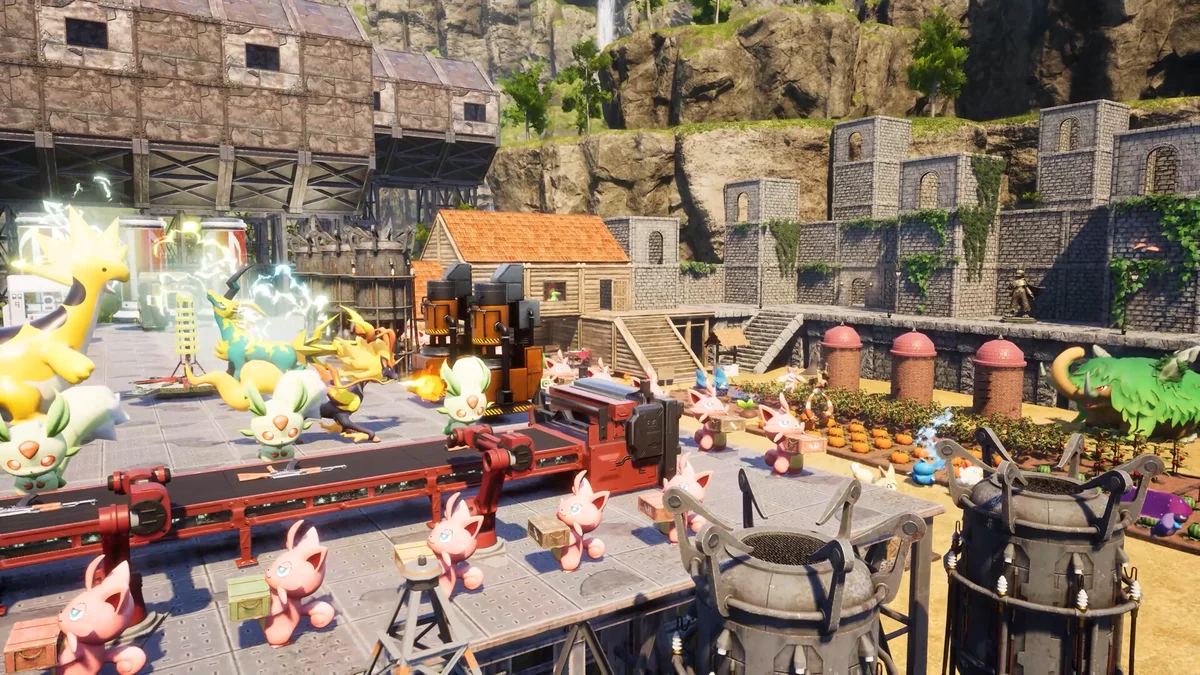
Palworld combines catching Pals with building, automation and survival. On your own server you share all of these moments with your friends, in a world that is always on.


What a dedicated server gives you
Hosting a world from your own PC means everyone gets kicked the moment you quit. A dedicated server at HostValues runs day and night, on hardware built for it.
-
Your rules
You decide the difficulty, the rates, whether PvP is on and who gets in with a password. No compromises with a public server.
-
A world that runs 24/7
Friends log in whenever they like, even when your own PC is off. Automatic backups protect the world against a hard stop.
-
Up to 32 players
Palworld dedicated servers support up to 32 simultaneous players by default. Above 16, memory becomes the limiting factor, which our plan table takes into account.
Settings customers change most often
Everything lives in PalWorldSettings.ini. Change it through the game panel or directly in the file via SFTP; the new values take effect after a server restart.
BaseCampMaxNumInGuildbases per guild- The most important knob for server performance. Every base with working Pals costs processing power continuously, even when nobody is nearby.
PalCaptureRateExpRatecapture and experience rate- The default grind is steep. A slight increase takes the edge off; doubling is usually too much, the world is played out within two weeks.
AutoSaveSpanautosave interval- Every save writes the full world state and causes a short stutter. Ten to fifteen minutes is a good balance between limiting loss and smooth play.
bIsPvPbEnablePlayerToPlayerDamagePvP- Decide up front whether players can attack each other. Switching it on later, on a server where people have already built bases, is guaranteed to cause arguments.
ServerPlayerMaxNummaximum number of players- 32 by default. Feel free to lower it for a private group: it saves memory and keeps your server list tidy.
How much memory does your server need?
Memory usage grows as the world ages: every base, every captured Pal and every placed object persists. So choose based on the number of players you expect, not on the first evening.
| Players | Memory | Plan |
|---|---|---|
| Up to 4 | 8GB | Lamball (from €11.20) |
| 4 to 8 | 12GB | Chikipi (from €16.80) |
| 8 to 16 | 16GB | Depresso (from €22.40) |
| 16 to 32 | 20GB and more | Anubis or Jetragon (from €28.00) |
Want to know more about the settings that really matter? Read our article Setting up a Palworld dedicated server.
Why Palworld hosting at HostValues?
NVMe storage
Fast loading times for your world, even with lots of Pals and large bases.
Full control
Adjust all server settings through the game panel and manage your files and world via SFTP.
Up to 32 players
Palworld dedicated servers support up to 32 players at once in your world by default.
How to host a dedicated Palworld server at HostValues
No port forwarding and no PC that has to stay on: your Palworld server runs in a data centre and you manage it in your browser, in the game panel. It takes four steps.
Choose a plan
Pick the plan that fits your group. The RAM advice on this page shows how much memory you need for how many players. At checkout you can add extra RAM or storage.
Choose a location
At checkout you choose Europe (Netherlands / France), the United States (San Jose), Canada (Montreal) or Singapore. Choose the location closest to most of your players. In Europe and the US your server runs on an AMD Ryzen 9 7950X or 9950X; in Canada and Singapore we use different hardware.
Pay
Pay per month, or per year with 15% off. Prices include VAT and you can cancel monthly. After payment your server is set up automatically.
Start your server in the game panel
Start the server and set the server name, server password and admin password under Startup. Gameplay settings such as capture rate, experience and PvP are in PalWorldSettings.ini, which you edit in the file manager. Your friends choose Join Multiplayer Game in Palworld and enter the IP address and port from the panel.
Frequently asked questions
Can Xbox, PlayStation and Game Pass players join?
Yes. Since Palworld 1.0 the CrossplayPlatforms setting in PalWorldSettings.ini decides which platforms a server accepts: Steam, Xbox, PlayStation 5 and Mac can play together on the same server. You edit that list through the file manager in the game panel. Console players cannot type an IP address; they find your server in the community server list, where our servers are listed by default. We test crossplay combinations on our own servers and update this page as soon as a combination is confirmed.
How much RAM does my server need?
For a group of up to four players 8GB works, but Pocketpair itself uses 16GB as the starting point for version 1.0. Count on 12GB up to eight players, 16GB up to sixteen and 20GB or more above that. If your group builds a lot or catches many Pals, take one step up. A Palworld server also creeps up in memory over time; a scheduled restart every six to twelve hours, which you set under Schedules in the game panel, takes care of that.
Can I run mods on my Palworld server?
Partly. Our Palworld servers run on Linux. Pak mods, which only replace game files, work fine. Mods that change server behaviour through UE4SS or Lua only run on a Windows server, so they are not available here. A lot of what people want from mods can be set in PalWorldSettings.ini instead: catch rate, experience, damage, the number of bases and more.
Can I change settings such as PvP, capture rate and the number of bases?
Yes. You can adjust every option in PalWorldSettings.ini through the game panel or directly in the file via SFTP. The new settings take effect after a server restart.
Can I upload my existing world?
Yes, you can easily upload your existing world via SFTP. That way you continue playing together right where you left off. Make a backup on both sides first.
Are backups made of my world?
Yes, automatic backups are on by default and you restore a backup yourself through the game panel. If you want to go further back, you can add extra backup slots.
Can I upgrade later?
Yes, you can upgrade to a larger plan at any time through the client area. Your world and settings are kept intact.
How do I host a dedicated Palworld server?
Choose a plan and a location and pay; your server is then set up automatically. In the game panel you start it and set a server name and passwords under Startup. Your friends choose Join Multiplayer Game in Palworld and enter the IP address and port from the panel.
How much does a Palworld server cost?
At HostValues a Palworld server costs from €11.20 per month for 8 GB (Lamball) to €44.80 per month for 32 GB (Jetragon), VAT included. Paying yearly saves 15%, and you can cancel monthly.
Do I need a VPS to host Palworld?
No. With a game server plan the Palworld server software, the game panel and backups are ready for you, while on a VPS you install and update everything yourself with SteamCMD. What matters most for Palworld is memory: Pocketpair lists 16 GB for a dedicated server.
Where are your Palworld servers located?
You choose at checkout: Europe (Netherlands / France), the United States (San Jose, California), Canada (Montreal) or Singapore. Choose the location closest to most of your players.
Guides and tips
Want to know more before you order, or need help setting things up? These articles from our blog and knowledge base will help.
Palworld server settings explained
Every setting in PalWorldSettings.ini broken down: XP rates, damage multipliers, catch rates and what values actually work.
Palworld Admin Commands: Full Server Command List (2026)
Every Palworld admin command in one list: become admin with /AdminPassword, kick and ban players, teleport, save and shut the server down safely.
How much RAM does a Palworld server need?
Palworld server RAM requirements: minimum, recommended and what happens when you run out.
Palworld multiplayer tips for server admins
Key settings, multiplayer quirks and practical tips to keep your Palworld dedicated server stable and enjoyable for everyone.